Ever experienced that frustrating moment when your new RC car arrives but won’t respond to the controller? You’re not alone—nearly 70% of first-time RC hobbyists struggle with transmitter-to-car connections before their first drive. Whether you’ve just unboxed a new toy car or need to re-pair components after battery changes, establishing a proper connection between your transmitter and vehicle is essential for responsive, reliable remote control. This guide reveals the exact connection methods for every transmitter type, helping you bypass common pitfalls that leave most users searching for answers online.
The connection process varies dramatically depending on your RC system—radio frequency (RF) transmitters, infrared (IR) units, and Bluetooth-connected models each require completely different approaches. Many enthusiasts waste hours attempting the wrong procedure because they don’t identify their system type first. By following this systematic guide, you’ll establish a robust transmitter-to-car link that delivers precise, lag-free control across various driving conditions, saving you from unnecessary frustration and potential damage to your equipment.
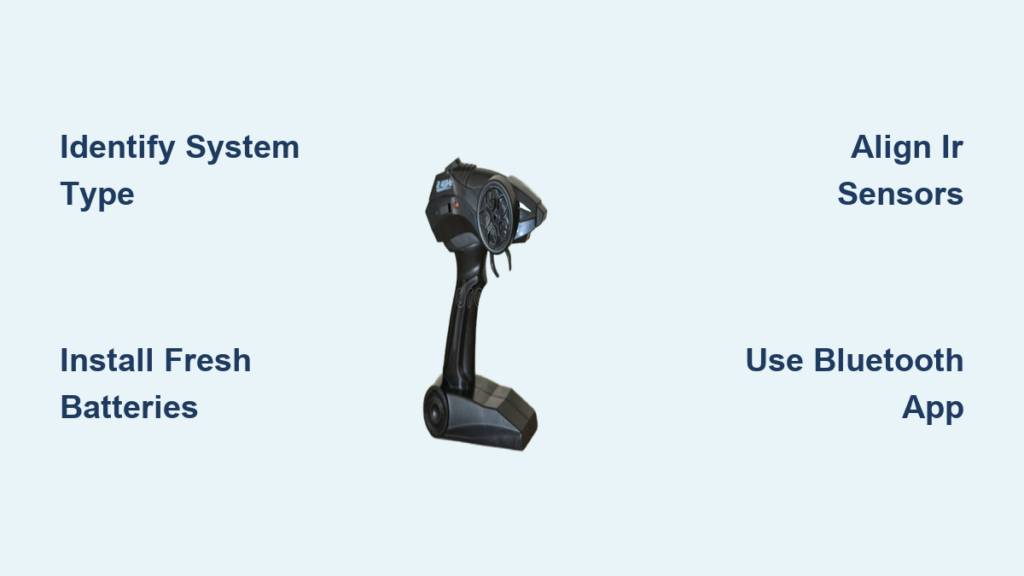
Identify Your RC Transmitter System Type
Before touching any buttons, determine which connection system your toy car uses—this knowledge dictates your entire connection approach. Radio frequency transmitters dominate modern RC vehicles, operating on specific bands (27 MHz, 49 MHz, or 2.4 GHz) that determine compatibility. These systems work without line-of-sight requirements, allowing control through walls and around obstacles. Check your vehicle’s receiver compartment for frequency markings or crystal modules that indicate your specific RF type.
Infrared toy car systems function completely differently, using light beams instead of radio waves. These require direct line-of-sight between transmitter and receiver, making them highly sensitive to lighting conditions and physical barriers. If your controller has a dark red or black dome at the front and your car has a matching sensor window, you’re working with an IR system. These units often feature channel selectors that must match between transmitter and receiver.
Newer Bluetooth-connected RC vehicles represent the third major category, using smartphone apps or dedicated wireless protocols. These typically include LED indicators that flash specific patterns during connection attempts. Identifying your system type prevents wasted effort—attempting RF binding procedures on an IR system won’t work, and Bluetooth vehicles require app configuration rather than physical button presses. Consult your user manual or search your model number online if uncertain.
Essential Preparation Steps Before Connection
Proper preparation prevents 80% of connection failures before you even attempt pairing. Start by installing fresh batteries in both the transmitter and toy car—weak batteries cause intermittent signals that mimic connection failures. For RF systems, ensure both units use matching battery types (alkaline or NiMH) as voltage differences can disrupt signal stability. Insert batteries with correct polarity, then test each unit independently to verify basic operation before attempting connection.
Position both units within three feet of each other with no physical barriers between them during the pairing process. For RF systems, extend both antennas fully and position them vertically—bent or retracted antennas reduce effective range by up to 75%. Clean any dirt or debris from battery contacts using a dry cloth, as corrosion creates resistance that weakens signal transmission. If your vehicle has been stored, gently flex wiring harnesses to check for brittle or cracked insulation that could cause shorts.
Power down both units completely before starting the connection process. Test this by attempting to operate controls—the vehicle should show no response. This “known off state” ensures neither unit transmits accidental signals during the critical pairing moment. For 2.4 GHz systems specifically, this reset clears any previous pairing memory that might conflict with the new connection.
Connect Standard Radio Frequency Transmitters Correctly
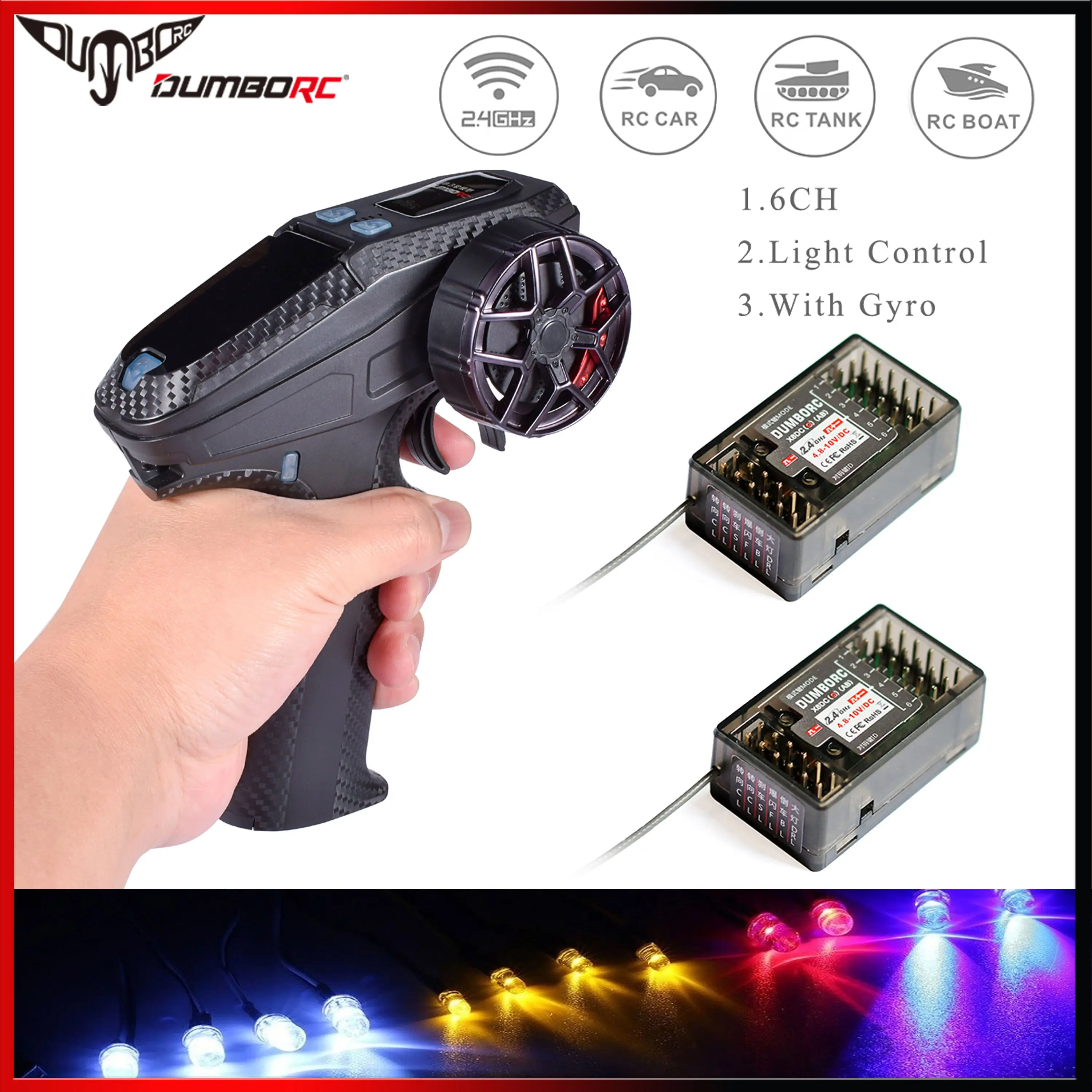
For fixed-frequency RF systems (common in entry-level vehicles), your connection task simplifies to ensuring both units match frequencies. Locate the crystal modules inside both transmitter and receiver compartments—these small metal cylinders have frequency numbers stamped on them. Match identical numbers (like 27.145 MHz) between both units, or verify that frequency switches on both units align to the same channel position.
For programmable 2.4 GHz systems, follow this precise binding sequence:
1. Locate the receiver’s bind button (usually inside the battery compartment)
2. Turn on the vehicle power while pressing and holding the bind button
3. Watch for the LED indicator to change from solid to rapid flashing
4. Power on the transmitter while simultaneously pressing its bind button
5. Maintain both bind states until the receiver LED changes to slow blinking
6. Release both buttons and power-cycle both units to complete pairing
Test your connection by operating steering and throttle controls with the vehicle elevated off the ground. Properly connected RF systems respond instantly with smooth, proportional control. If response is delayed or inconsistent, repeat the binding process while ensuring both units remain within three feet with clear line-of-sight.
Pair Infrared Toy Car Systems Successfully

Infrared connections require precise optical alignment rather than radio signal pairing. Begin by cleaning both the transmitter’s IR emitter (dark red dome) and the vehicle’s IR sensor window with a microfiber cloth—smudges block the light signals carrying your commands. Position yourself directly in front of the vehicle with transmitter pointed straight at the sensor, maintaining a distance of 6-12 inches.
Power on the vehicle first, allowing its IR receiver to activate (often signaled by a brief motor chirp). Then power on the transmitter while maintaining direct alignment. Some systems require holding the transmitter at a specific angle—start with 90 degrees to the sensor, then adjust in small increments if connection fails. For stubborn connections, create a temporary light tunnel using cardboard to block ambient infrared interference from sunlight or indoor lighting.
If your system includes channel selectors, verify identical settings on both units before attempting connection. Test by pressing controls slowly—the vehicle should respond immediately if alignment is correct. If connection works at close range but fails at distance, ambient IR interference is likely overwhelming the signal; try operating in a dimly lit room to reduce interference sources.
Establish Bluetooth Connections Through Mobile Apps
Bluetooth-connected toy cars require app configuration rather than physical button presses. Start by downloading the manufacturer’s specific application—generic Bluetooth apps won’t work with proprietary RC protocols. Open the app and navigate to its vehicle pairing section, which typically includes visual guides for your exact model.
Power on your toy car and watch for its Bluetooth indicator LED (usually blue) to begin flashing rapidly, signaling discovery mode. On your mobile device, go to Bluetooth settings and select your vehicle from the available devices list. Most RC systems use standard pairing codes like “0000” or “1234” if prompted.
After standard Bluetooth pairing completes, return to the RC app for functional connection. The app will guide you through calibration:
– Center your physical controls
– Follow on-screen prompts to establish neutral positions
– Test each function through the app interface
– Save the configuration profile for future use
Complete the calibration process even if controls seem responsive—the app needs to map your transmitter’s specific range to the vehicle’s electronics. Most applications allow saving multiple profiles for different driving styles or multiple vehicles.
Verify and Troubleshoot Your Connection
Never skip post-connection testing—this prevents accidents and identifies hidden issues. With the vehicle elevated securely, test each function methodically:
– Steering: Move through full left-right range checking for smooth response
– Throttle: Apply gradual acceleration in both forward and reverse
– Range: Gradually increase distance while maintaining control
– Response time: Note any delay between control input and vehicle reaction
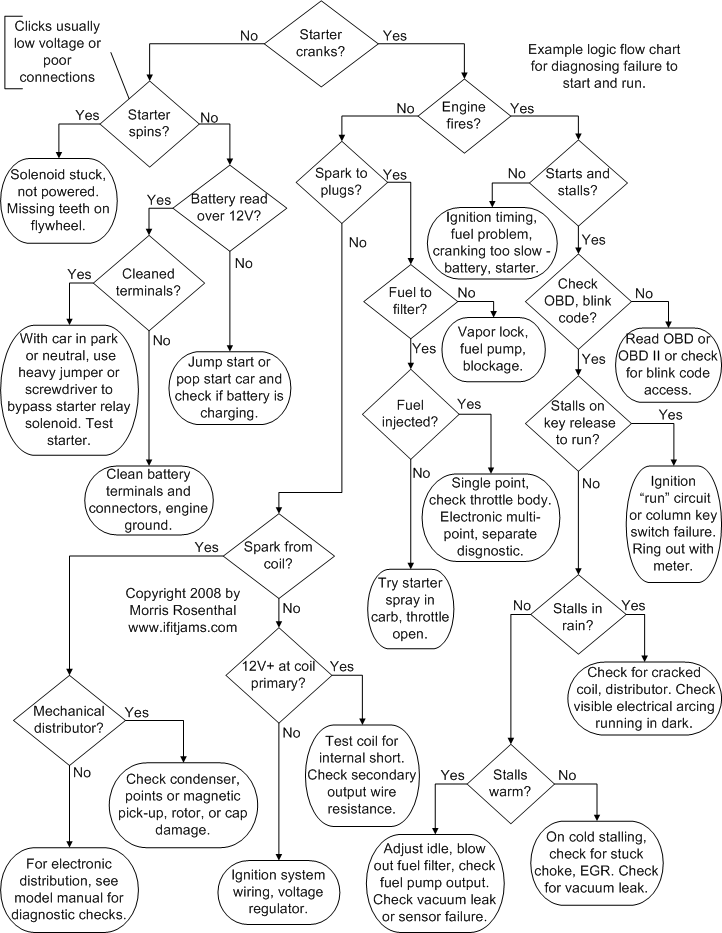
Common connection issues and their solutions:
– No response: Verify battery installation and polarity in both units
– Intermittent control: Check antenna condition and position on RF systems
– Partial function: Inspect wiring connections to specific motor controllers
– Range limitations: Test in different locations to identify RF interference
For persistent issues, perform a complete reset by removing all batteries for 5 minutes before attempting reconnection. Many problems resolve with this simple step that clears temporary electronic glitches.
Maintain Reliable Transmitter Connections Long-Term
Preserve your connection quality with these maintenance practices:
– Store both units with batteries removed during extended downtime
– Keep antennas extended during operation and storage
– Clean battery contacts monthly with contact cleaner
– Perform range tests before each major use session
– Keep transmitters away from extreme temperatures
Create a pre-drive checklist that includes:
1. Battery verification (voltage check for advanced users)
2. Antenna inspection for damage
3. Quick range test at reduced power
4. Control surface movement verification
For households with multiple RC vehicles, maintain dedicated transmitters for each car and label matching pairs clearly. This prevents accidental mismatching that requires complete re-binding and reduces confusion during group play sessions.
Final Note: Successfully connecting your transmitter to a toy car requires matching the correct procedure to your specific RC system’s type—whether RF, IR, or Bluetooth-based. The critical steps involve proper preparation, following manufacturer-specific binding procedures, and systematic testing to verify all control functions respond correctly. Most connection issues stem from simple causes like depleted batteries, antenna damage, or interference sources, making thorough troubleshooting essential before assuming component failure. With your connection established and verified, regular maintenance ensures reliable performance for countless hours of RC driving enjoyment. Always prioritize safety by testing connections with the vehicle elevated off the ground before operating at full speed.